
The No-Jargon Guide to Buying a Launch Monitor for Your Home Golf Simulator


The No-Jargon Guide to Buying a Launch Monitor for Your Home Golf Simulator
So you want to build a golf simulator at home. Awesome! But now you're staring at launch monitors wondering what all these numbers mean and why prices range from $500 to $20,000. Let me break it all down in plain English.
What Is a Launch Monitor, Really?
Think of a launch monitor like a super-smart camera that watches your golf ball the moment you hit it. Its job is to figure out exactly what your ball is doing—how fast it's going, which direction it's spinning, and where it's headed.
Your simulator software then takes that information and shows you a virtual ball flight on your screen. No launch monitor? Your simulator has no idea what happened. It's basically the brain of the whole operation.
The Two Types: Radar vs. Camera
Here's where most guides lose people. There are basically two ways a launch monitor "sees" your ball:
Radar-Based (Doppler)
How it works: Imagine a police speed gun, but way fancier. It bounces radio waves off your ball and club to measure speed and movement.
The good stuff:
- Works great outdoors and indoors
- Doesn't care much about lighting conditions
- Very accurate for ball speed and carry distance
The not-so-good stuff:
- Needs more space behind the ball (6-8 feet typically)
- Some models need metallic stickers on your ball to track spin
- Can struggle with very short shots
Popular examples: FlightScope Mevo+, FlightScope Mevo Gen2, Garmin Approach R10
Camera-Based (Photometric)
How it works: High-speed cameras take thousands of pictures per second right as you hit the ball. Software then analyzes those images to calculate everything.
The good stuff:
- Works in tighter spaces (can mount overhead or beside you)
- Usually better at reading spin directly
- No stickers needed on your ball
The not-so-good stuff:
- Needs good, consistent lighting
- Some models are pickier about ball markings
- Typically more expensive for high-accuracy models
Popular examples: Foresight GCQuad, Foresight GC3, Bushnell Launch Pro, Uneekor EYE XO2
The Numbers That Actually Matter
Launch monitors spit out a lot of data. Here's what you should actually care about for a home simulator:
Ball Speed
How fast the ball leaves your clubface. This is the foundation—everything else builds on it. Measured in mph.
Launch Angle
How high the ball takes off. A 7-iron might launch around 16-18 degrees; a driver around 10-15 degrees.
Spin Rate
How fast the ball is spinning. This determines how the ball curves and how quickly it stops on the green. Measured in rpm (revolutions per minute). A driver might spin 2,500 rpm while a wedge might spin 8,000+ rpm.
Spin Axis
Which direction the ball is spinning. This tells you if you hit a draw, fade, hook, or slice. Think of it like tilting a spinning top—tilt it left, the ball curves left.
Carry Distance
How far the ball flies through the air before it hits the ground. This is what most people care about most.
Club Data (Nice to Have)
Some monitors also track your club—how fast it's moving, the angle it's traveling, where on the face you hit it. Great for improving your swing, but not essential for just playing simulator golf.
Budget Tiers: What You Get at Each Price
Entry Level: $300–$700
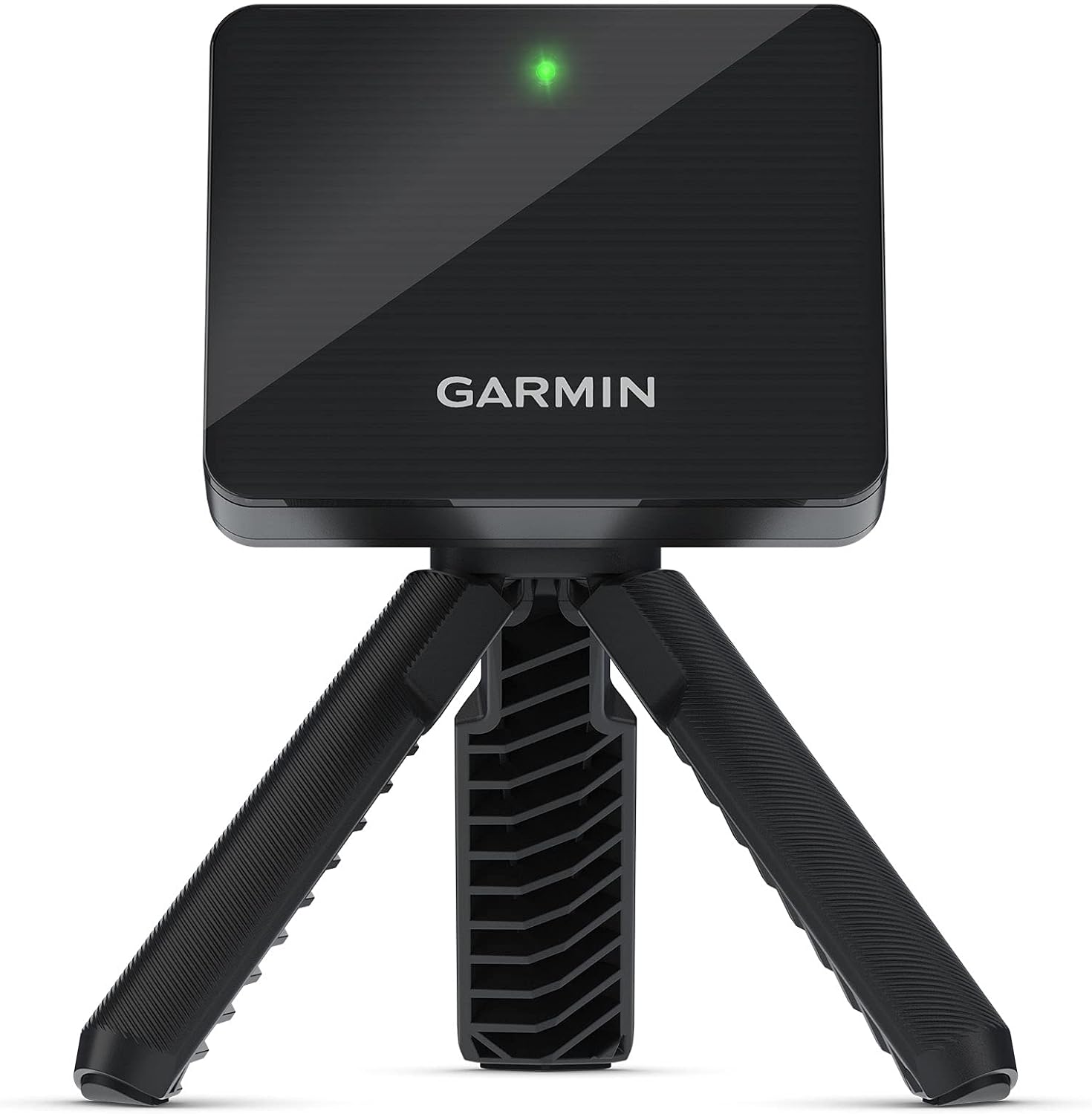
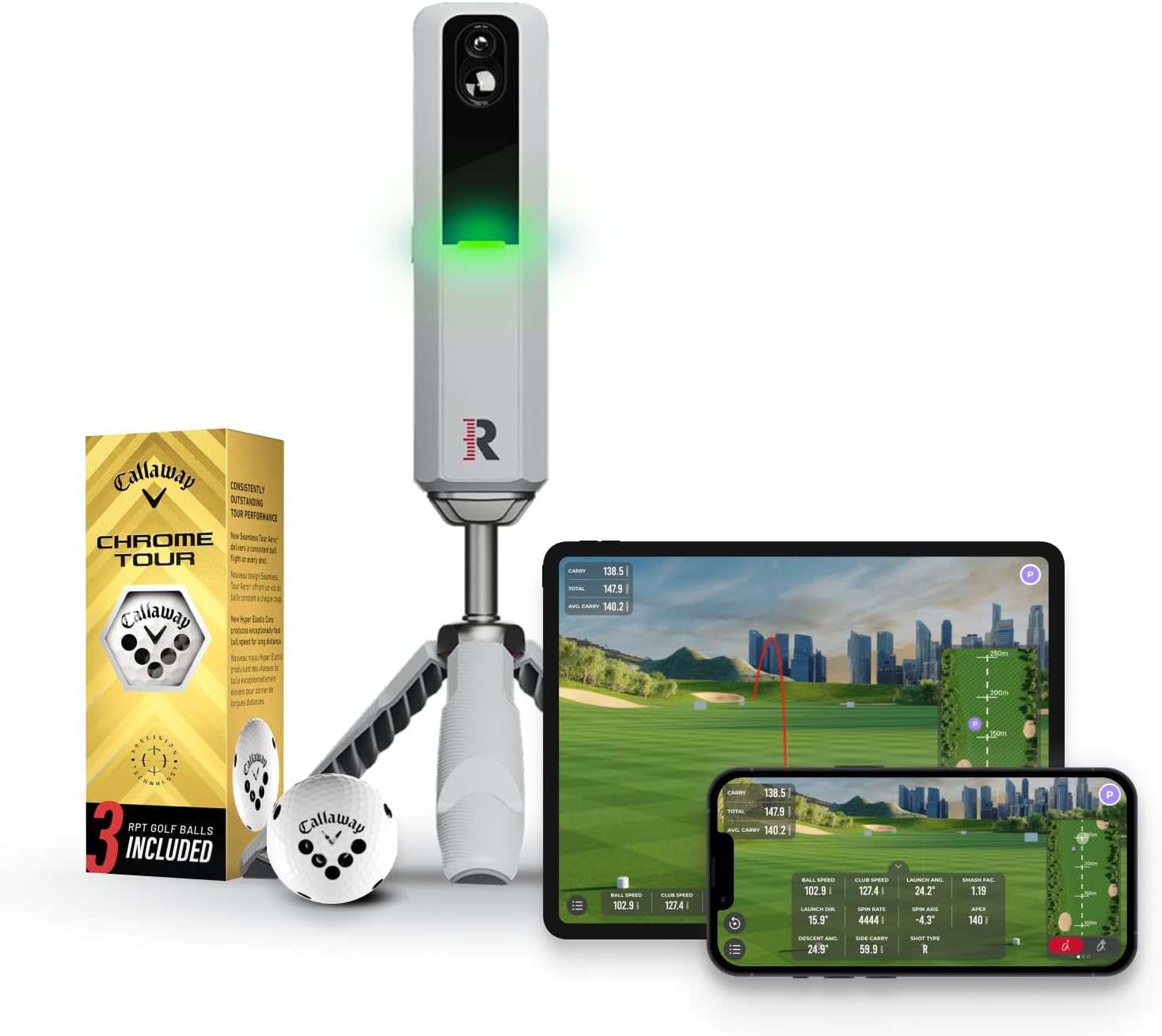

What to expect: You'll get the basics—ball speed, launch angle, estimated spin, and carry distance. Accuracy is "good enough" for casual play and general practice.
Best for: Beginners, casual golfers, people who want to have fun without obsessing over data.
Trade-offs: Spin readings are often calculated (estimated) rather than directly measured, which means less accuracy on curve shots.
Examples: Garmin Approach R10, Rapsodo MLM2PRO, FlightScope Mevo Gen2
Mid-Range: $2,000–$6,000
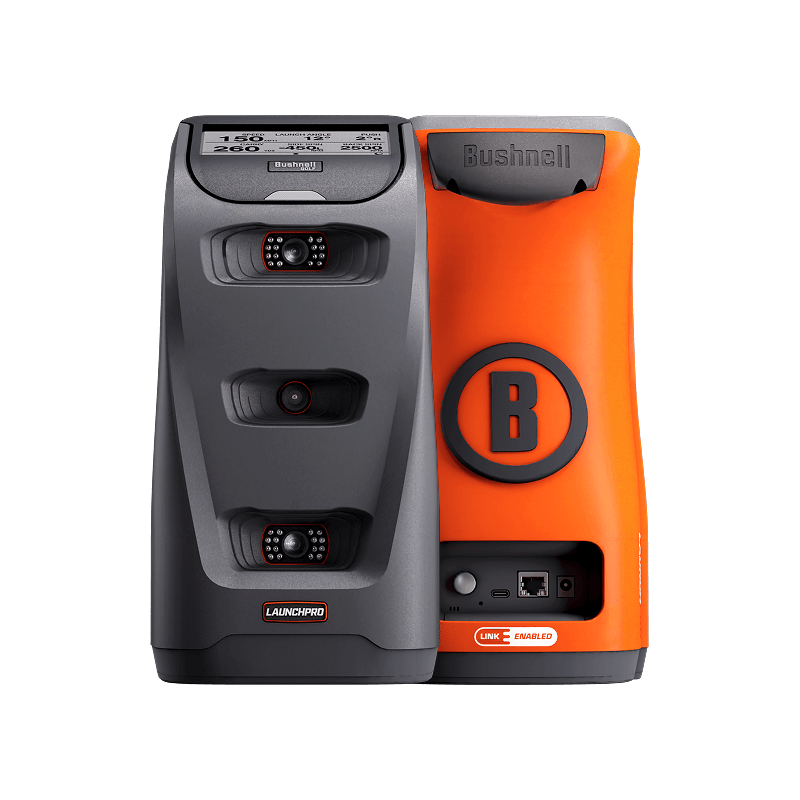
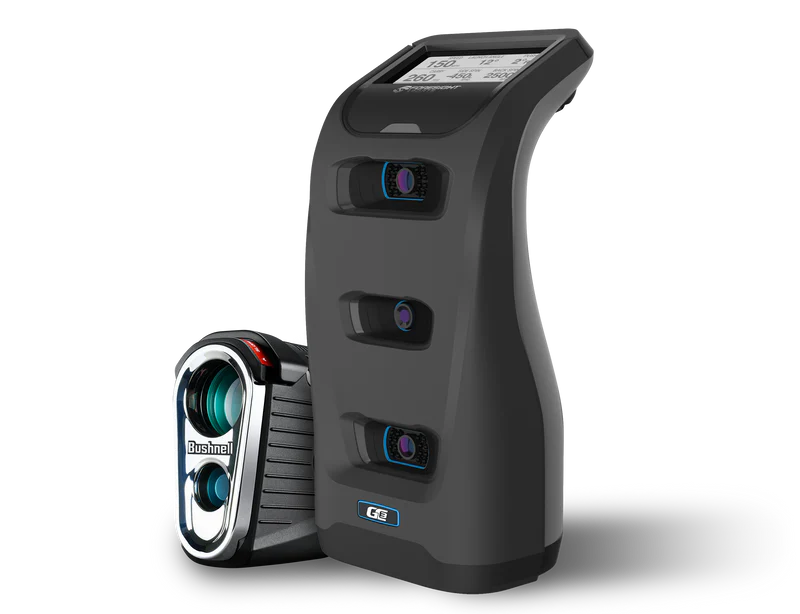
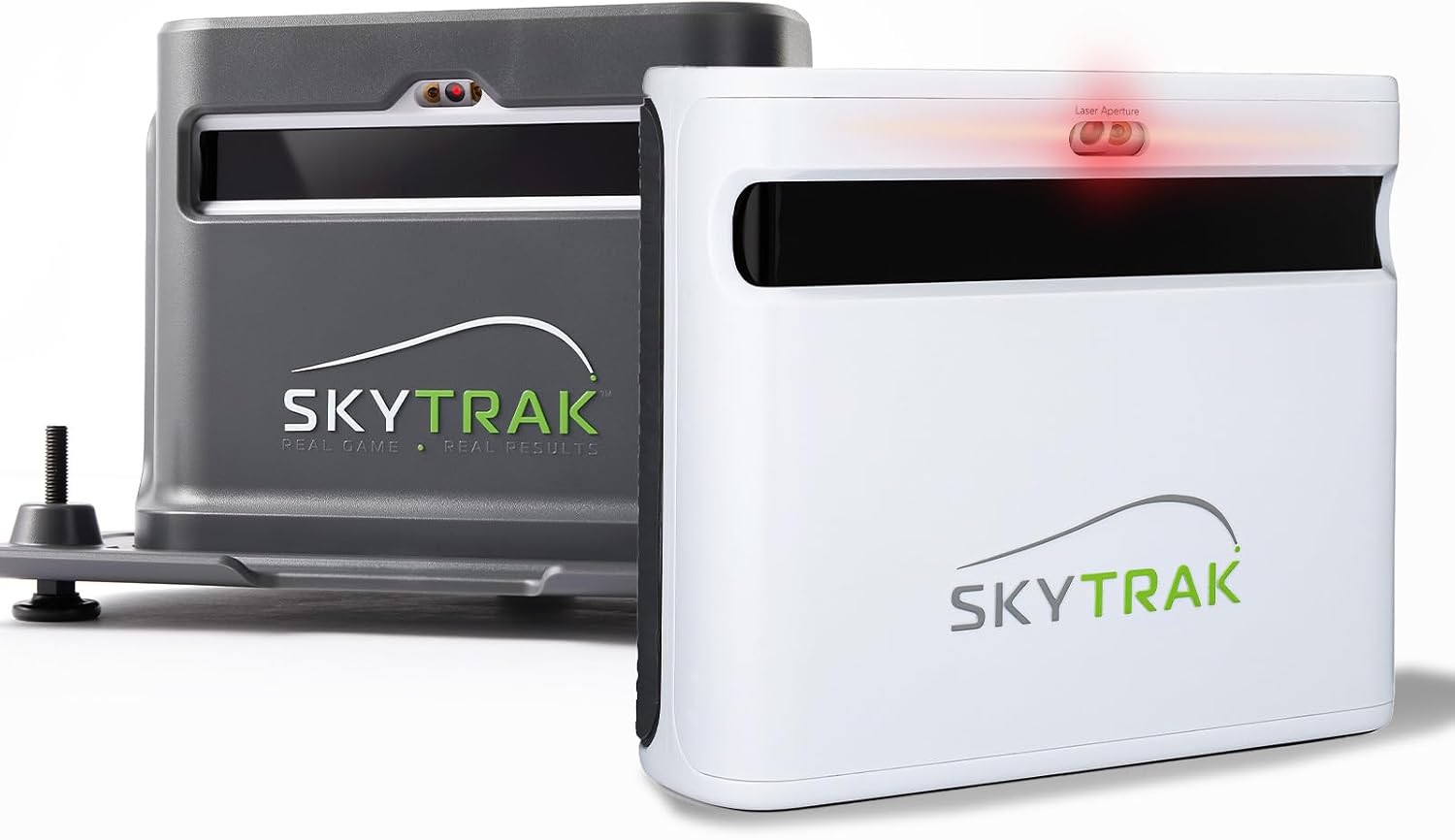
What to expect: Directly measured spin (not estimated), better accuracy across all shots, more reliable readings, and usually better build quality. This is where simulator golf starts feeling "real."
Best for: Serious golfers who want trustworthy data, anyone building a permanent setup, people who'll use it multiple times per week.
Trade-offs: Significant investment. Some models in this range still have quirks or require specific setup conditions.
Examples: FlightScope Mevo+, Bushnell Launch Pro, Foresight GC3, Garmin Approach R50, SkyTrak+
High-End: $7,000–$20,000+

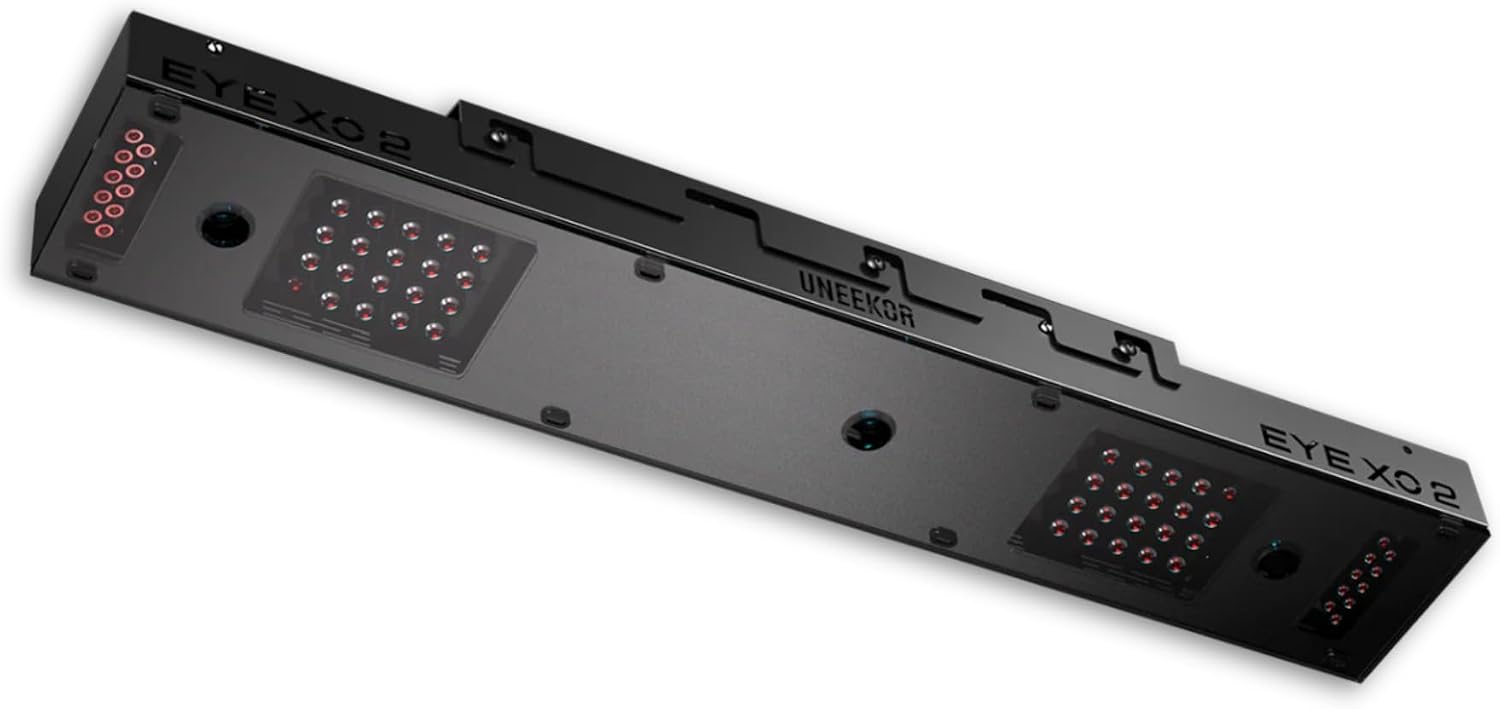

What to expect: Tour-level accuracy, comprehensive club and ball data, rock-solid reliability, and software/support to match. These are what pros and club fitters use.
Best for: Low-handicap players who need precision, anyone using it for serious practice or instruction, commercial installations.
Trade-offs: Expensive. For most home users, the accuracy gains over mid-range don't justify the cost.
Examples: Foresight GCQuad, Uneekor EYE XO2, Trackman iO, Uneekor EYE XO
Key Questions to Ask Yourself
Before you pull the trigger, think through these:
How much space do I have?
Some monitors need to sit 6-8 feet behind the ball (radar units). Others can mount overhead or to the side. Measure your room and check the monitor's space requirements. Check out our enclosure sizing guide for more on this.
What's my lighting situation?
Camera-based systems need consistent, bright lighting without harsh shadows. If your space has weird lighting, a radar system might be more forgiving.
Do I want to use it outdoors too?
Some monitors are designed mainly for indoor use, others work great both ways. If you want to take it to the range, check that it's portable and outdoor-friendly.
How picky am I about accuracy?
Be honest with yourself. If you're a 20-handicap who wants to play virtual Pebble Beach in January, entry-level accuracy is probably fine. If you're a 5-handicap trying to dial in your distances, mid-range or higher is worth it.
What simulator software do I want to use?
Not all launch monitors work with all software. If you have your heart set on a specific golf course software (E6 Connect, GSPro, Awesome Golf, etc.), make sure your monitor is compatible before you buy.
Common Mistakes to Avoid
Buying based on one stat. A monitor might advertise incredible ball speed accuracy but have mediocre spin readings. Look at the whole picture.
Ignoring setup requirements. That $500 monitor might need perfect conditions to work right. Read user reviews about real-world setup experiences.
Forgetting about software costs. The launch monitor is just the hardware. Simulator software is usually a separate purchase or subscription. Factor that into your budget.
Skipping the warranty. These are precision electronics. A good warranty matters, especially at higher price points.
Overthinking it. For most people building their first home simulator, a mid-range unit is plenty. You can always upgrade later once you know exactly what you want.
The Bottom Line
Your launch monitor is the most important purchase in your simulator build. It's what makes the whole thing work. But "most important" doesn't mean "most expensive."
Match your monitor to your goals, your space, and your budget. A $500 unit used three times a week beats a $15,000 unit collecting dust because you couldn't afford the rest of your build.
Start with what makes sense for you. Swing often. Have fun. That's the whole point.
Related Guides
Bullseye 3D Golf Mat Review (2026): The New Budget Divot-Feel Mat
Read our Bullseye 3D golf mat review to see how it handles joint shock, launch monitor accuracy, and long-term durability. Learn if it fits your sim setup.
Uneekor EYE XR Review (2026): Overhead Launch Monitor for Home Sims
Read our honest Uneekor EYE XR review covering accuracy, room space requirements, GSPro costs, and whether this overhead launch monitor fits your home setup.
Rapsodo CLMPRO: First Look at the Overhead Six-Camera Launch Monitor
Wondering if the Rapsodo CLMPRO is worth waiting for? Explore confirmed prototype specs, ceiling clearance needs, GSPro compatibility, and ownership costs.